A closer look
Good creative.
Checked across
your catalog.
Connect your store, make a design, and inspect it on the products most likely to challenge the layout. You decide what gets published.
Get startedAll 8 products have a benefit line from their product page that's short enough for a headline.

01Cedar & Sage Hand Cream Longest headline
Pass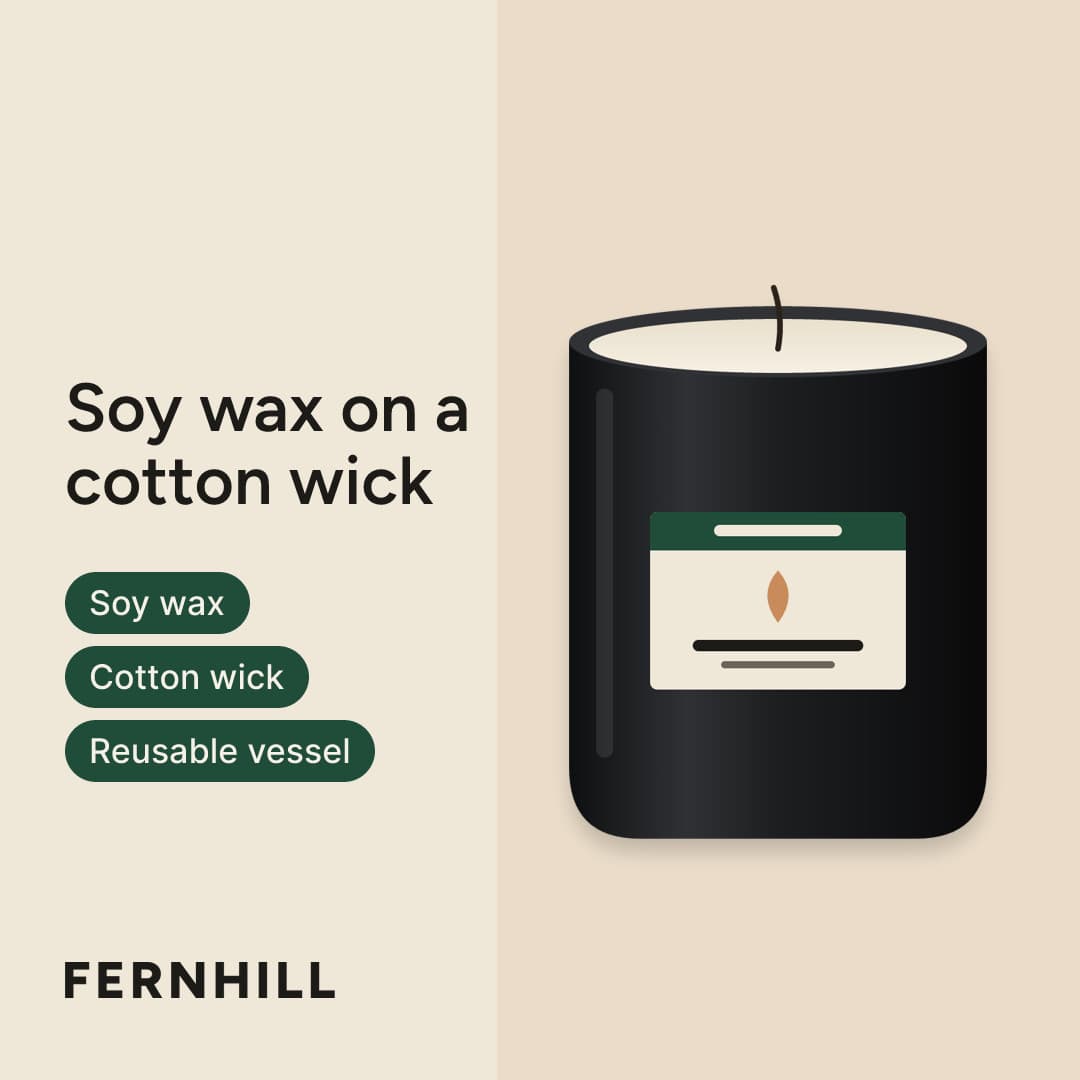
02Ember & Oak Candle Darkest photo
Pass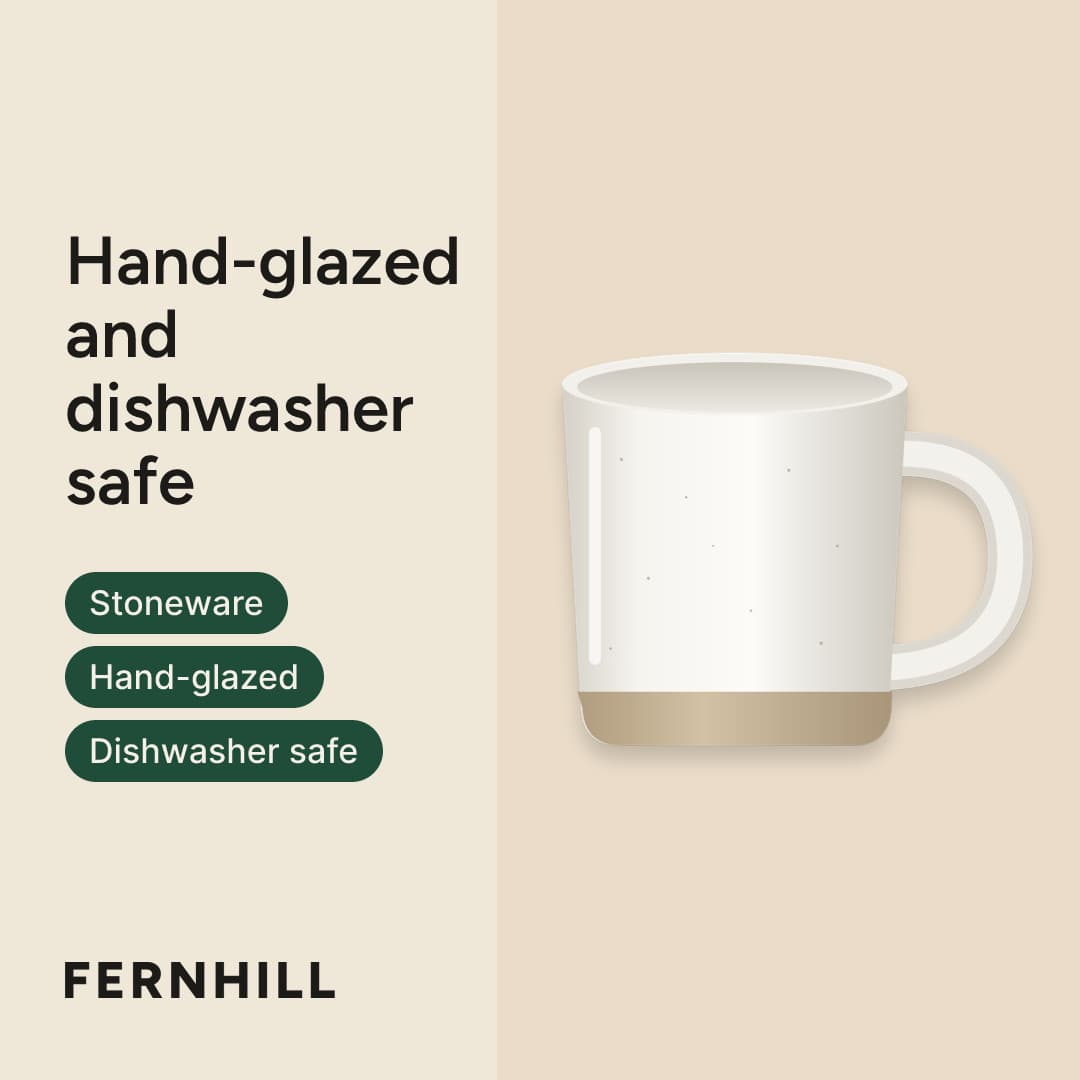
03Stoneware Mug Lightest photo
Pass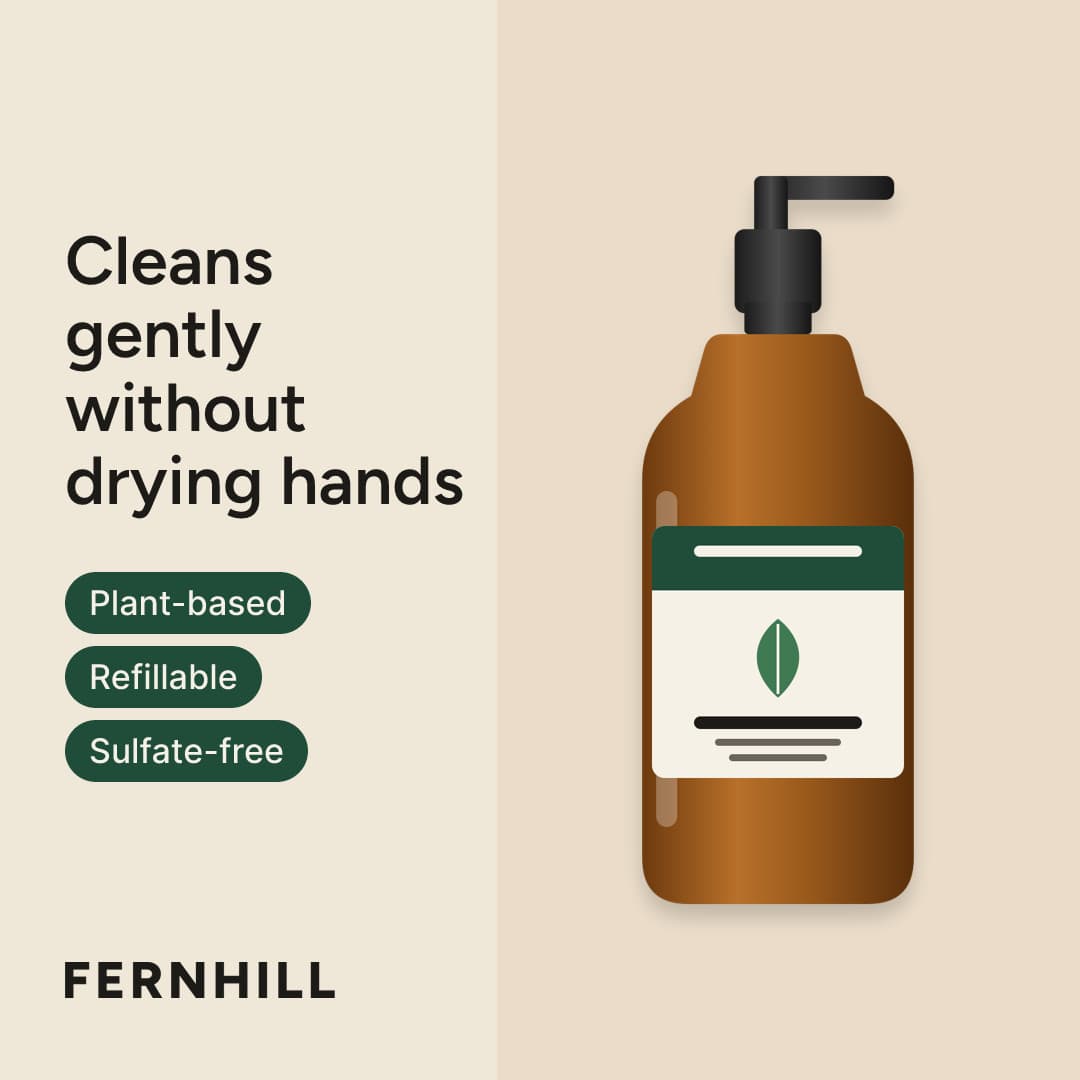
04Cedar & Sage Hand Wash Tallest product
Pass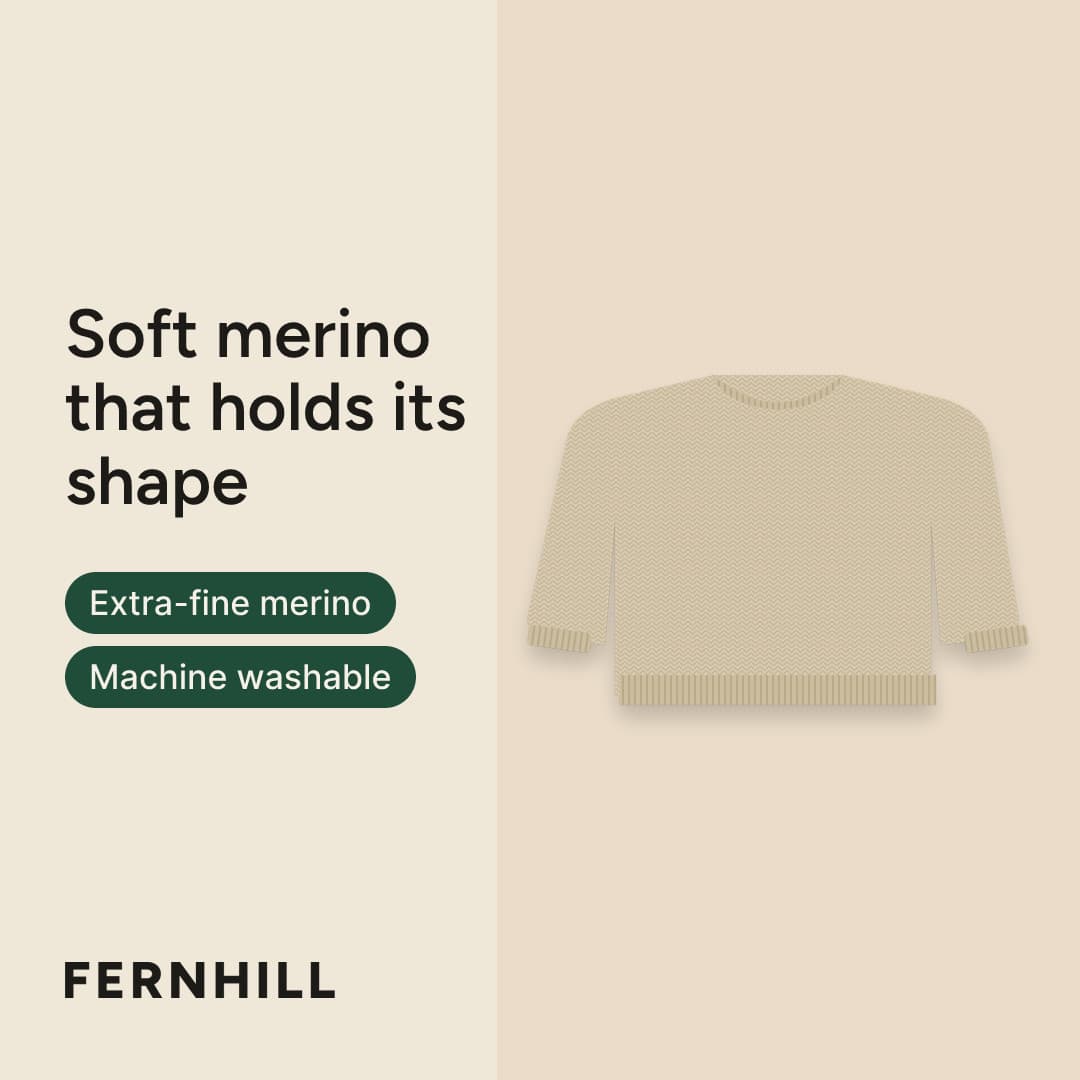
05Merino Crewneck Sweater Widest product
Pass
06Ribbed Merino Beanie Finest pattern
Pass
All 8 products this concept targets can use it.
The proof sheet
Every concept is stress-tested on your hardest products
A proof sheet is a grid of one concept rendered on up to 24 of your products, each with a verdict and its reason. It's where you judge a concept, not a mockup of it.
The hardest products, on purpose
A sampler picks the products most likely to break a layout: the longest headline, the darkest and lightest photos, the tallest and widest products, the finest patterns. These samples help you spot problems before the rest of the catalog is rendered and checked.
Every image checked, with a reason
The renderer checks every image for text that overflows, low contrast, and anything covering the product or crowding an edge. Images that pass those checks get an AI critique with a reason. Fixes such as shorter copy are tried automatically, and a product that still fails keeps its original photo.
Numbers you can check
Each concept shows the data behind it and how much of your catalog it covers, like “9 of 39 products this concept targets can't use it: no benefit line of 40 characters or less.”
Longest headline
Critic
PassNo issues.
Checks
None fired.
Text fit
- chip_1Shrink · 34px · 1 line
- chip_2Shrink · 34px · 1 line
- chip_3Shrink · 34px · 1 line
- headlineWrap + shrink · 68px · 4 lines
Trust
Built so you can trust what it publishes
Catalog ads run across your whole catalog at once, so accuracy can't depend on someone noticing. These are rules in the product, not settings.
Price ads pulled first
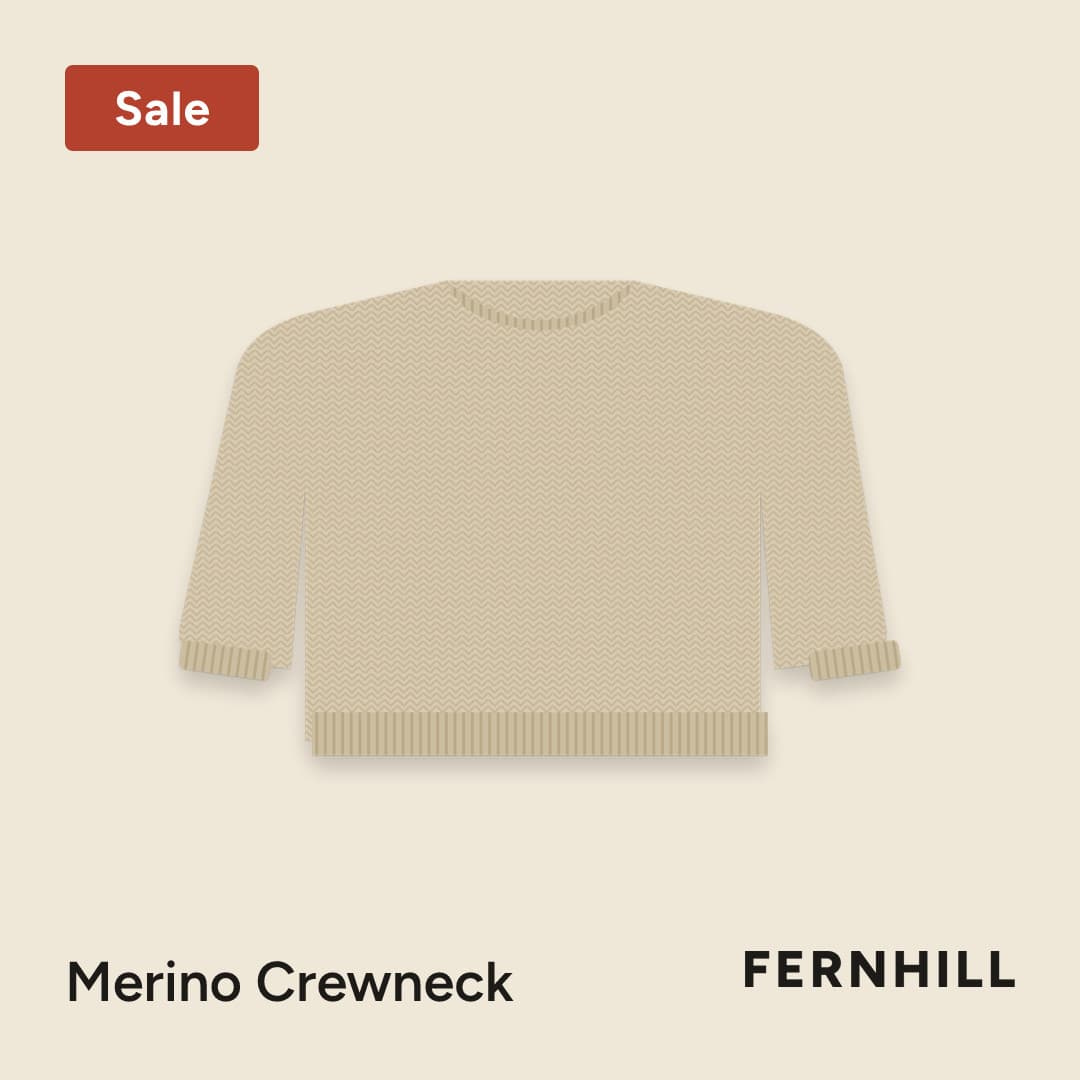
An ad that shows a price or a sale is pulled from your feed as soon as DPA Plus sees the price change, before a new one is drawn. Price concepts are opt-in, and they use a Sale or percent badge rather than the exact price.
- 01A price changes in your store, or a sale ends.
- 02DPA Plus sees it on its next check and pulls the product's price and sale ads from your feed. Your original photo stands in.
- 03The ad is redrawn from the new data and checked again. If only its numbers changed and its layout held, it keeps your approval and goes back into your feed; otherwise it waits for your OK.
- 04Meta picks up the change on its next fetch of your feed.
Meta fetches your feed at most hourly, so an ad can show an old sale badge for an hour or more after a price change. DPA Plus measures that delay for your brand and shows it to you.
Claims that trace to a source
Copy can be creative. Every factual claim in it must come from your product page, your reviews, your site or your own edit, and a claim check verifies it before it reaches an image. Numbers in a concept's rationale are filled in by code, never written by a model.
Your product, not a lookalike
Ads are built from your own product photos, cut out from your pixels, so the product in every ad is the one you sell.
What you approve is what ships
The preview you critique and the image in your feed come from the same render code. Each image records the template version and renderer that made it, and a fingerprint of the data it drew.
Works with
Fits into what you already run
DPA Plus sits between your Shopify store and your Meta catalog ads. It adds images; it doesn't take over your catalog.
Shopify
Reads your store as it is
Products, variants, prices, images, and ratings where your storefront shows them, read from your public catalog. There's no app to install and nothing for a developer to set up.
Meta catalog
Publishes a feed Meta fetches
A supplementary feed that puts the images you approve on the products already in your catalog. Your products, prices and IDs stay as they are. A setup guide matches your item IDs and confirms Meta's first fetch.
Your team
Reviewers approve from a phone
Invite teammates to critique and approve, and clients as reviewers who sign off on their phone. Agencies that run ads for several brands work in each one, with its own proof sheets and approvals.
You have the final say
Say it.
See it.
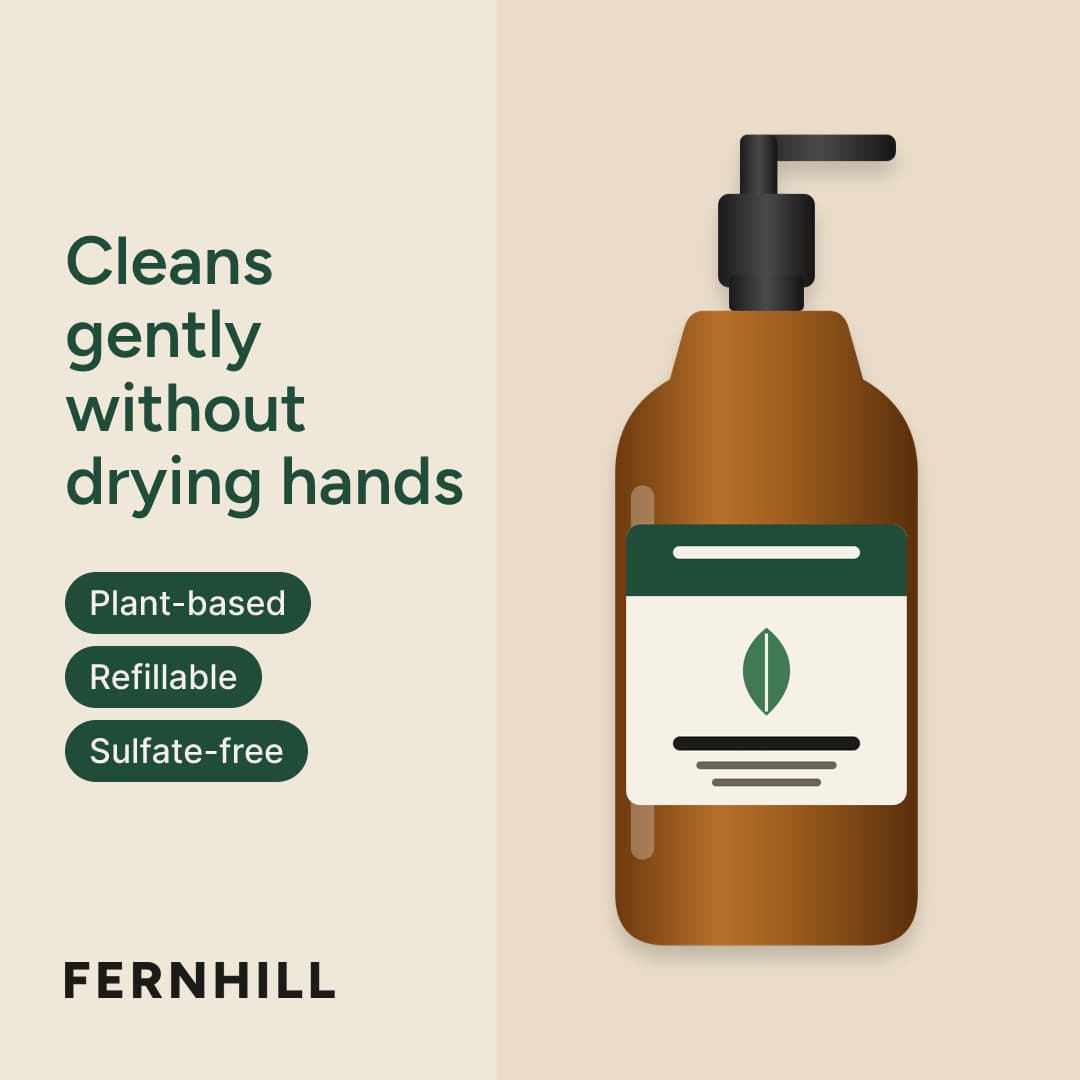
Give feedback in plain words, or jump in and edit the design yourself. Review the new version. Keep it or undo it.
“Headline in our green, and give the product more room.”
Before
After
Good to know
A few good
questions.
Does it work with my store?
DPA Plus works with Shopify stores and Meta catalog ads. Connect your store with its web address. There’s no Shopify app to install.
Can I change the designs?
Yes. Edit text, images, and layouts directly, or ask for changes in plain words. Check the result across your products before you approve it.
How do the images get to Meta?
DPA Plus gives you a supplementary feed to add to your Meta catalog. It supplies the images you approve while your existing catalog keeps handling product details and prices.
What happens when a price changes?
When DPA Plus detects a price change, it removes affected price and sale ads from the feed before updating them. Your original product image stands in. Meta’s next feed fetch determines when the change reaches your ads.